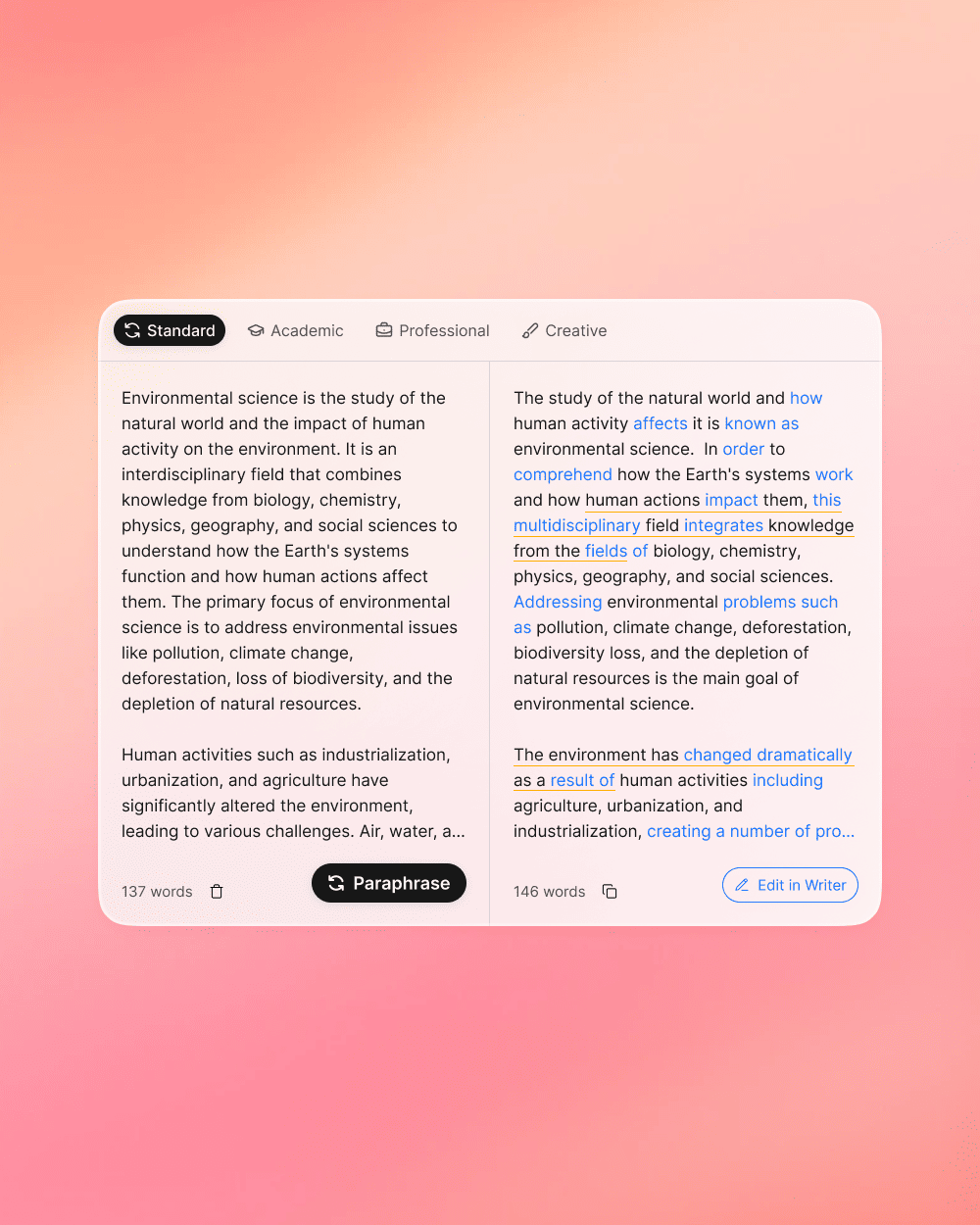
AI Paraphrase Tool
Easily rewrite, edit, and change the tone of the text to make it clearer and easier to understand.
Enter or paste text to paraphrase...
Why Choose Humanize AI's Paraphrase Tool?
Effortless rewriting that elevates your writing quality and boosts online visibility.

Versatile & Multiple Modes
With modes like Standard, Fluency, Formal, Academic, Simple, Expand, Shorten, and Synonym Adjustment, you can tailor your text to suit any purpose and style.
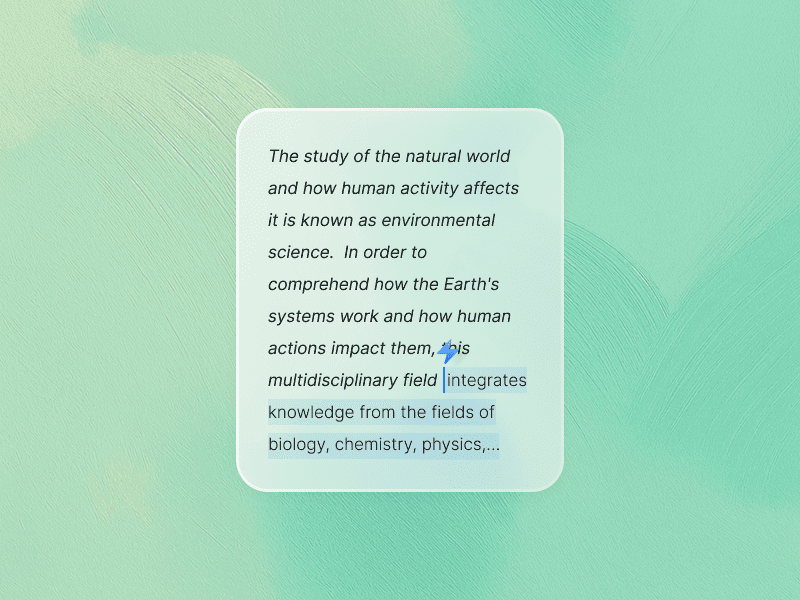
Instant Rephrases
Get a fresh version of your text in seconds, allowing you to produce polished content quickly.
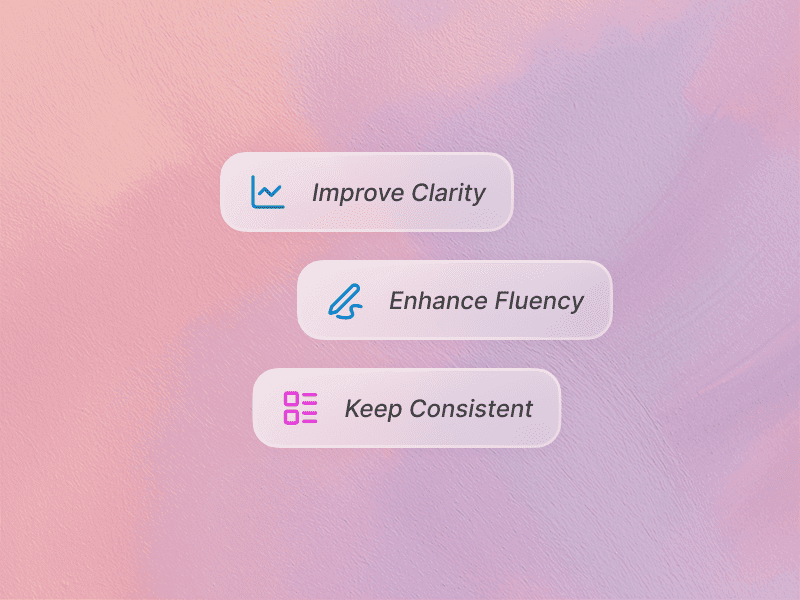
Better Writing
Enhance your content's clarity and impact while preserving the original meaning, ensuring your writing stands out.
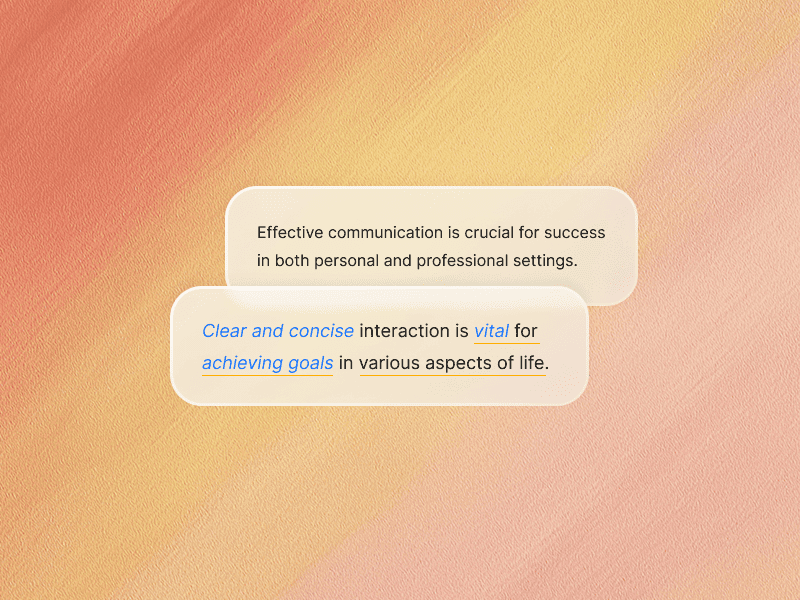
Custom Vocabulary Changes:
Decide exactly how much you want to adjust your vocabulary, giving you complete control over the rewriting process.
User-Friendly Experience:
Our tool is designed for everyone—from students to professionals—making content creation simple and effective.
How to Use Humanize AI's Paraphrase Tool
Using our AI Paraphrase Tool is as easy as 1-2-3. Follow these simple steps to get started:
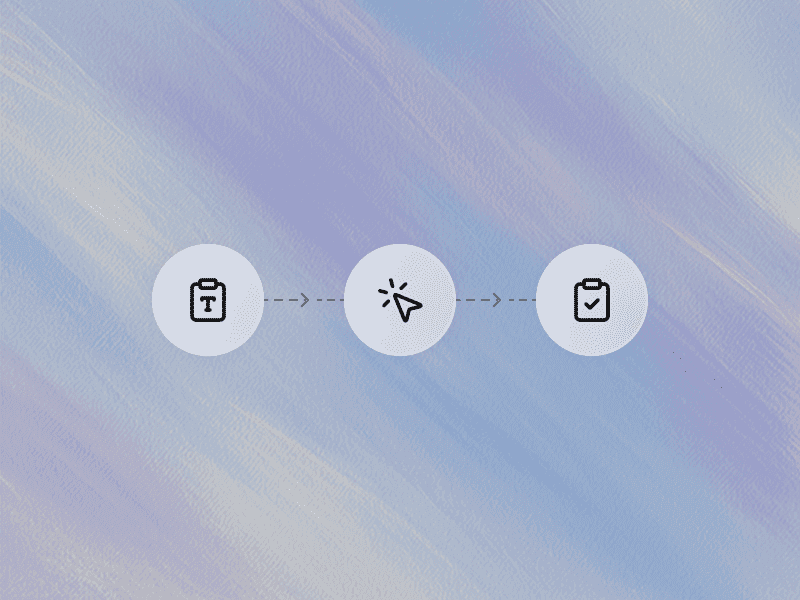
Step 1: Input Your Text
Begin by pasting the text you want to rephrase into the input box. Whether it's a paragraph, a full article, or even a few sentences, our tool can handle it all.
Step 2: Choose Your Paraphrasing Style
Select from one of our tailored modes—Standard, Fluency, Formal, Academic, Simple, Expand, Shorten, or Synonym Adjustment. Each option is designed to adjust your text in a specific way, so pick the one that aligns best with your content goals.
Step 3: Generate Your Paraphrased Content
Click the "Paraphrase" button and let our advanced AI do the work. Within seconds, you'll receive a rephrased version of your text that maintains the original meaning while presenting it in a fresh new style.
Step 4: Review and Edit (if needed)
Although our tool provides high-quality outputs, we recommend reviewing the text to ensure it meets your specific requirements. Make any final tweaks or adjustments as necessary.
Step 5: Copy and Use
Once you're satisfied with the results, simply copy the new content and integrate it into your project, blog post, paper, or website.